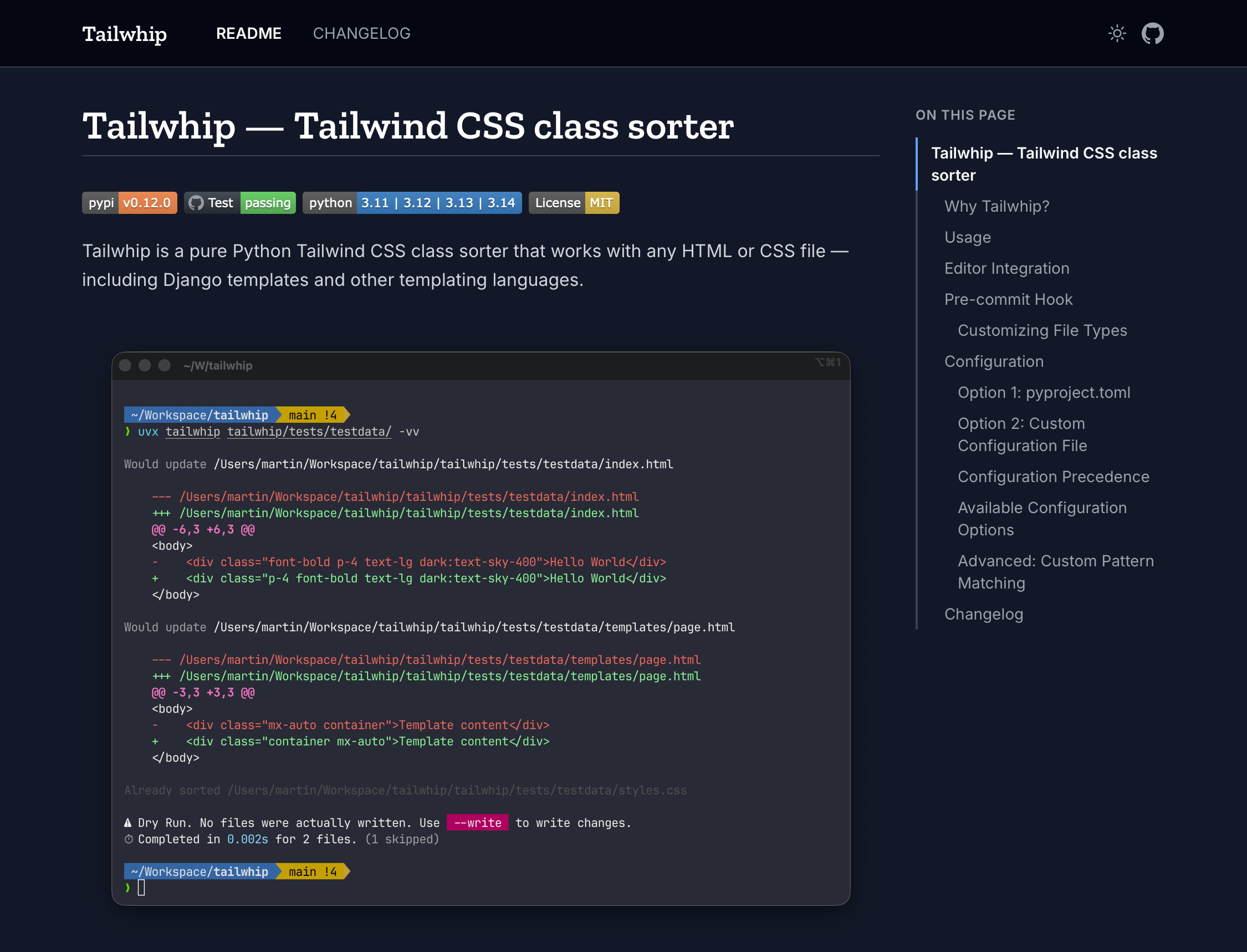
Documentation generators tend to introduce more overhead than the documentation itself. Microdocs takes the opposite approach: pass it your Markdown files, get a self-contained HTML file with navigation, syntax highlighting, and dark mode. No configuration, no build pipeline.
uvx microdocs README.md CHANGELOG.md
That produces one index.html file in your current directory. Open it in a browser and you’re done.
What it generates
Each Markdown file becomes a navigable tab in a single-page layout. A table of contents updates as you scroll, syntax highlighting is handled by Pygments, and dark mode follows system preference with a manual override. Everything, styles, scripts, content, is embedded in a single HTML file, so it deploys anywhere: GitHub Pages, a repository commit, email attachment, or offline.
If the default template doesn’t fit, Microdocs accepts custom Jinja2 templates. There’s also a GitHub Action that handles building and deploying to GitHub Pages in one step.
Installation
# Run without installing
uvx microdocs README.md

# Or install permanently
pip install microdocs
Source and docs at github.com/bartTC/microdocs. Live examples using the default template: Microdocs docs and Tailwhip docs.
Conclusion: Microdocs is a reasonable fit when you want documentation that lives alongside your code without a dedicated toolchain to maintain.